Unlocking the Power of Mock-ups in Design
Mock-ups play a crucial role in the world of design, serving as a visual representation of ideas and concepts before they come to life. This article delves into the realm of mock-ups, exploring their significance and impact on design projects across various industries.
From understanding what mock-ups are to delving into the different types and tools used for their creation, this comprehensive guide will equip you with the knowledge needed to leverage mock-ups effectively in your design endeavors.
What is a Mock-up?
A mock-up is a scale or full-size model of a design or device, used for demonstration, design evaluation, promotion, and other purposes. In the context of design, a mock-up is a representation of what the final product will look like, serving as a visual prototype before the actual development phase.
Types of Mock-ups
- Physical Mock-ups: These are tangible models created using materials like paper, foam, or other physical elements to represent the design.
- Digital Mock-ups: These are virtual representations of the design created using software tools like Adobe Photoshop, Sketch, or Figma.
- Wireframe Mock-ups: These are simplified visual guides that represent the layout and structure of a design, focusing on the placement of elements.
Benefits of Using Mock-ups
- Visualizing Concepts: Mock-ups help designers and clients visualize the final product, making it easier to communicate design ideas.
- Feedback and Iteration: Mock-ups allow for early feedback from stakeholders, enabling designers to make necessary changes before finalizing the design.
- Cost-Effective: By identifying design flaws early in the process, mock-ups help in saving time and resources that would otherwise be spent on rework.
- User Testing: Mock-ups can be used for user testing to gather valuable insights and improve the overall user experience of the final product.
Types of Mock-ups
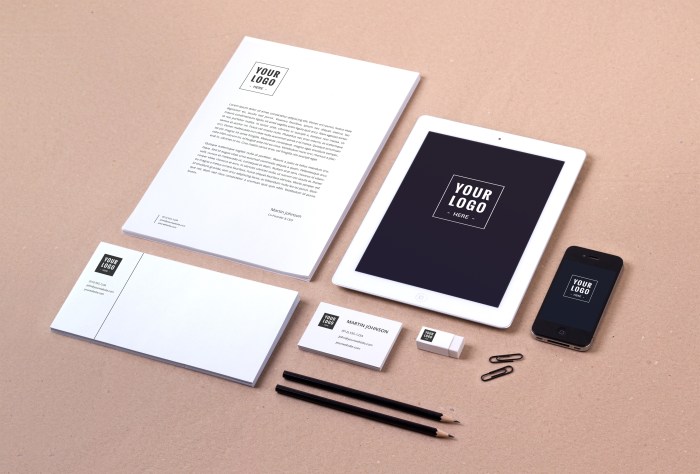
When it comes to creating mock-ups, there are various types that serve different purposes in the design process. Each type has its own unique characteristics and is used at different stages of development.
Digital Mock-ups
Digital mock-ups are created using design software to visualize how a website, application, or digital product will look and function. They are interactive and allow for testing user experience and functionality before actual development. Digital mock-ups are ideal for presenting ideas to clients or stakeholders.
Physical Mock-ups
Physical mock-ups involve creating tangible prototypes of products using materials like paper, cardboard, or foam. These mock-ups give a realistic feel of the product's dimensions, shape, and ergonomics. Physical mock-ups are useful for testing usability, ergonomics, and overall aesthetics.
Low-fidelity Mock-ups
Low-fidelity mock-ups are rough sketches or wireframes that focus on basic layout and structure without detailed design elements. They are quick and easy to create, making them ideal for brainstorming and concept validation early in the design process.
High-fidelity Mock-ups
High-fidelity mock-ups are detailed representations of the final product with specific design elements like colors, typography, and images. They closely resemble the actual product and are used for testing visual appeal, branding consistency, and user interface elements.
Prototypes
Prototypes are interactive mock-ups that simulate the functionality of the final product. They allow users to navigate through the product, interact with features, and provide feedback on usability. Prototypes are valuable for user testing and refining the user experience.
When to Use Each Type
Digital mock-ups
Presenting digital products to clients.
Physical mock-ups
Testing physical product dimensions and ergonomics.
Low-fidelity mock-ups
Concept validation and brainstorming.
High-fidelity mock-ups
Testing visual design elements and branding.
Prototypes
User testing and refining user experience.
Creating a Mock-up
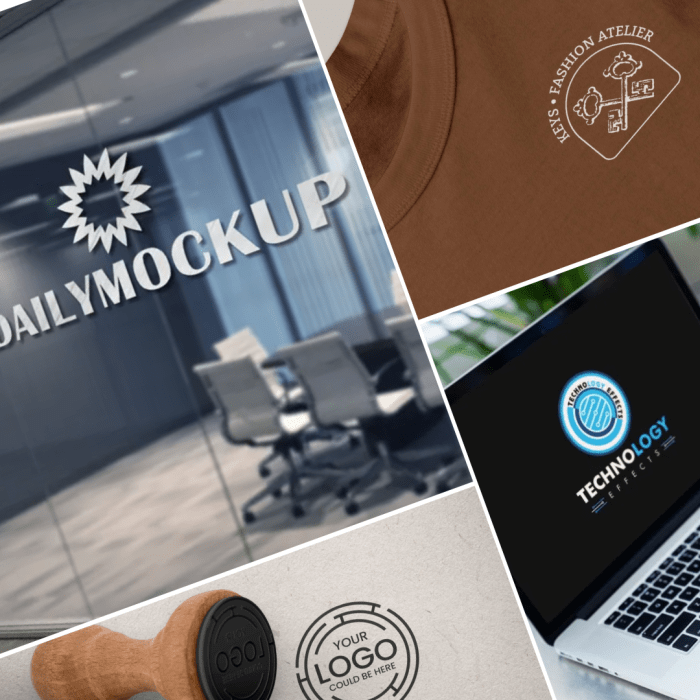
Creating a mock-up is a crucial step in the design process as it helps visualize the final product and gather valuable feedback from stakeholders. Here are the steps involved in creating a mock-up:
Step 1: Define the Scope
Before diving into the design, it is important to clearly define the scope of the project. Identify the key features, functionality, and user requirements that the mock-up should address
Step 2: Sketching and Wireframing
Start by sketching rough ideas on paper to Artikel the layout and structure of the mock-up. Once you have a basic concept, move on to creating wireframes using design software to map out the placement of elements.
Step 3: Designing the Mock-up
Using design tools like Adobe XD, Sketch, or Figma, translate the wireframes into a digital mock-up. Focus on the visual aspects such as color schemes, typography, and imagery to create a polished representation of the final product.
Step 4: Adding Interactivity
For digital products, adding interactive elements like buttons, dropdown menus, and clickable links can enhance the user experience. Make sure the mock-up accurately reflects how users will interact with the final product.
Tips for Designing an Effective Mock-up
- Keep it simple and focused on key features.
- Use real content to provide a realistic representation.
- Consider usability and accessibility during the design process.
- Collaborate with stakeholders for feedback and validation.
Importance of User Feedback
User feedback is essential when iterating on a mock-up as it provides valuable insights into usability, functionality, and overall user experience. By gathering feedback from potential users early in the design process, you can make informed decisions to improve the mock-up and ultimately deliver a better final product.
Tools for Mock-up Design
When it comes to creating digital mock-ups, having the right tools can make a significant difference in the quality and efficiency of the design process. There are several popular software tools available that cater to different design preferences and requirements.
Here, we will explore some of the most commonly used tools for mock-up design and compare their features to help beginners choose the right tool for their needs.
Popular Software Tools for Mock-up Design
- Adobe XD: Adobe XD is a popular choice among designers for creating interactive prototypes and wireframes. It offers a range of features such as responsive resize, repeat grid, and collaboration tools.
- Sketch: Sketch is another widely used tool known for its vector-based workflow and ease of use. It provides a variety of plugins and integrations that enhance the design process.
- Figma: Figma is a cloud-based design tool that allows real-time collaboration among team members. It offers features like prototyping, design systems, and version history.
- InVision: InVision is a comprehensive design platform that enables designers to create prototypes, gather feedback, and collaborate with stakeholders. It also integrates with popular design tools like Sketch and Adobe XD.
Comparing Features of Different Mock-up Design Tools
- Adobe XD offers seamless integration with other Adobe Creative Cloud apps, making it convenient for users who are already familiar with Adobe products.
- Sketch is known for its intuitive interface and extensive library of plugins that enhance the design capabilities of the tool.
- Figma's real-time collaboration feature is a standout, allowing multiple team members to work on a design simultaneously.
- InVision's prototyping and feedback gathering tools are particularly useful for user testing and refining designs based on user input.
Tips for Beginners on Choosing the Right Tool
- Consider your specific design needs and preferences when selecting a tool. Some tools may be better suited for certain types of projects or design styles.
- Take advantage of free trials or demo versions to test out different tools before committing to one. This will help you get a feel for the interface and features of each tool.
- Seek recommendations from other designers or read reviews to get insights into the strengths and weaknesses of different tools.
- Think about future scalability and compatibility with other tools or software that you may need to use in your design workflow.
Ultimate Conclusion
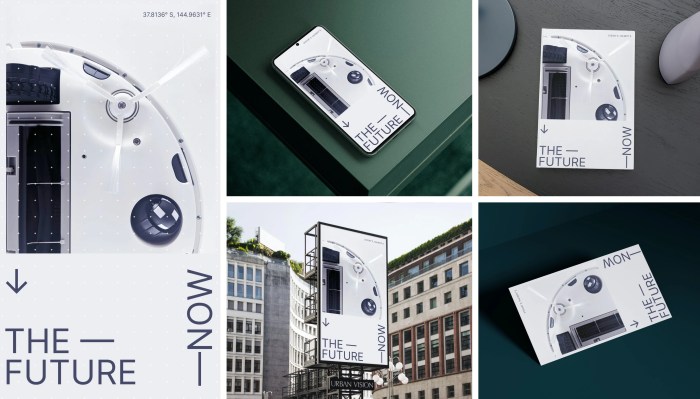
As we conclude our exploration of mock-ups, it becomes evident that these visual prototypes are indispensable tools in the design process. By embracing mock-ups, designers can streamline their workflow, gather valuable feedback, and ultimately bring their creative visions to fruition with precision and efficiency.
FAQs
What is the purpose of creating a mock-up?
Mock-ups help visualize ideas, identify design flaws early on, and gather feedback from stakeholders before moving forward with the actual implementation.
What are the different types of mock-ups?
There are various types of mock-ups such as digital, physical, low-fidelity, and high-fidelity, each serving different purposes in the design process.
How important is user feedback when creating a mock-up?
User feedback is crucial as it provides insights into how users interact with the design, allowing for necessary improvements and iterations.